
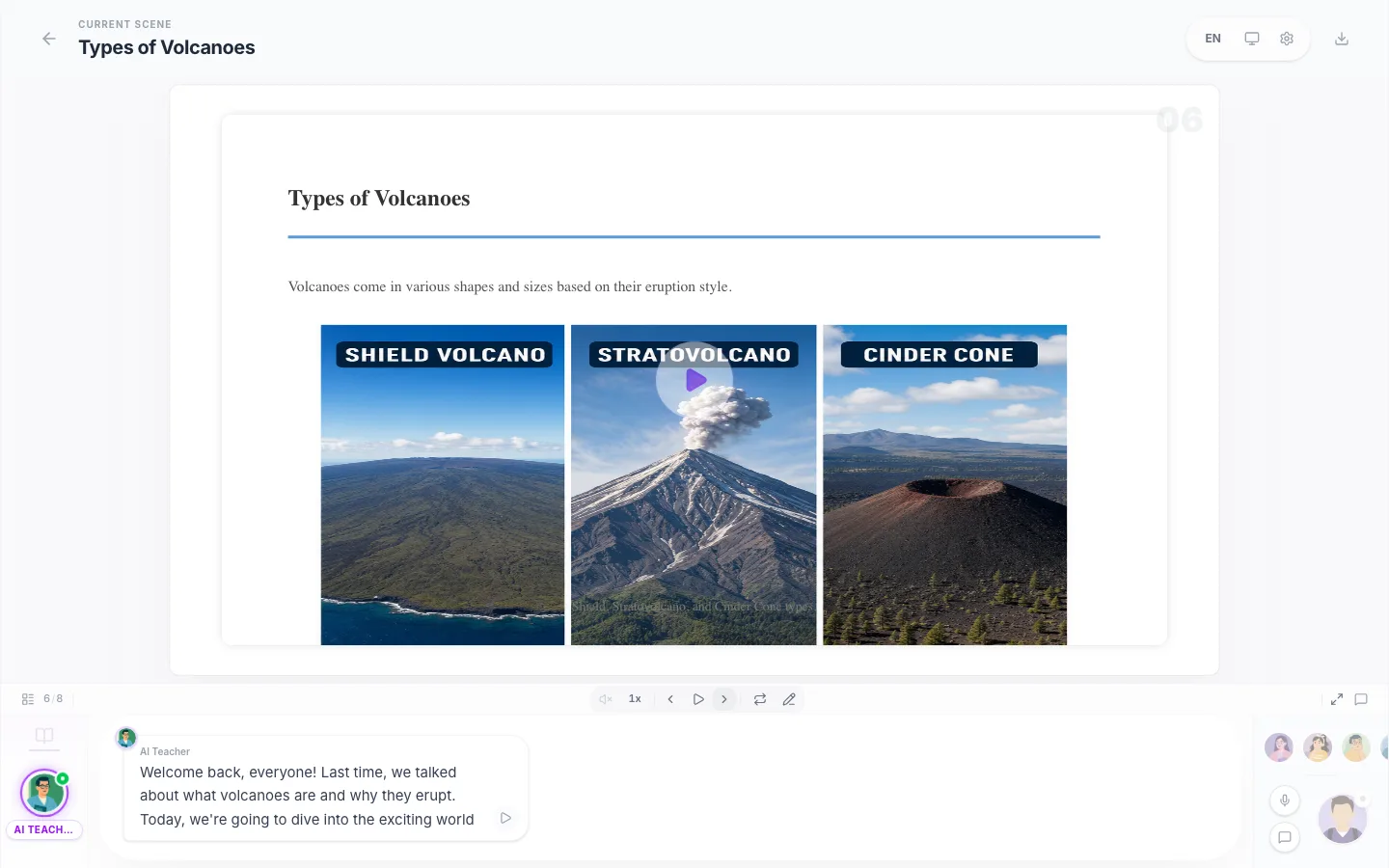
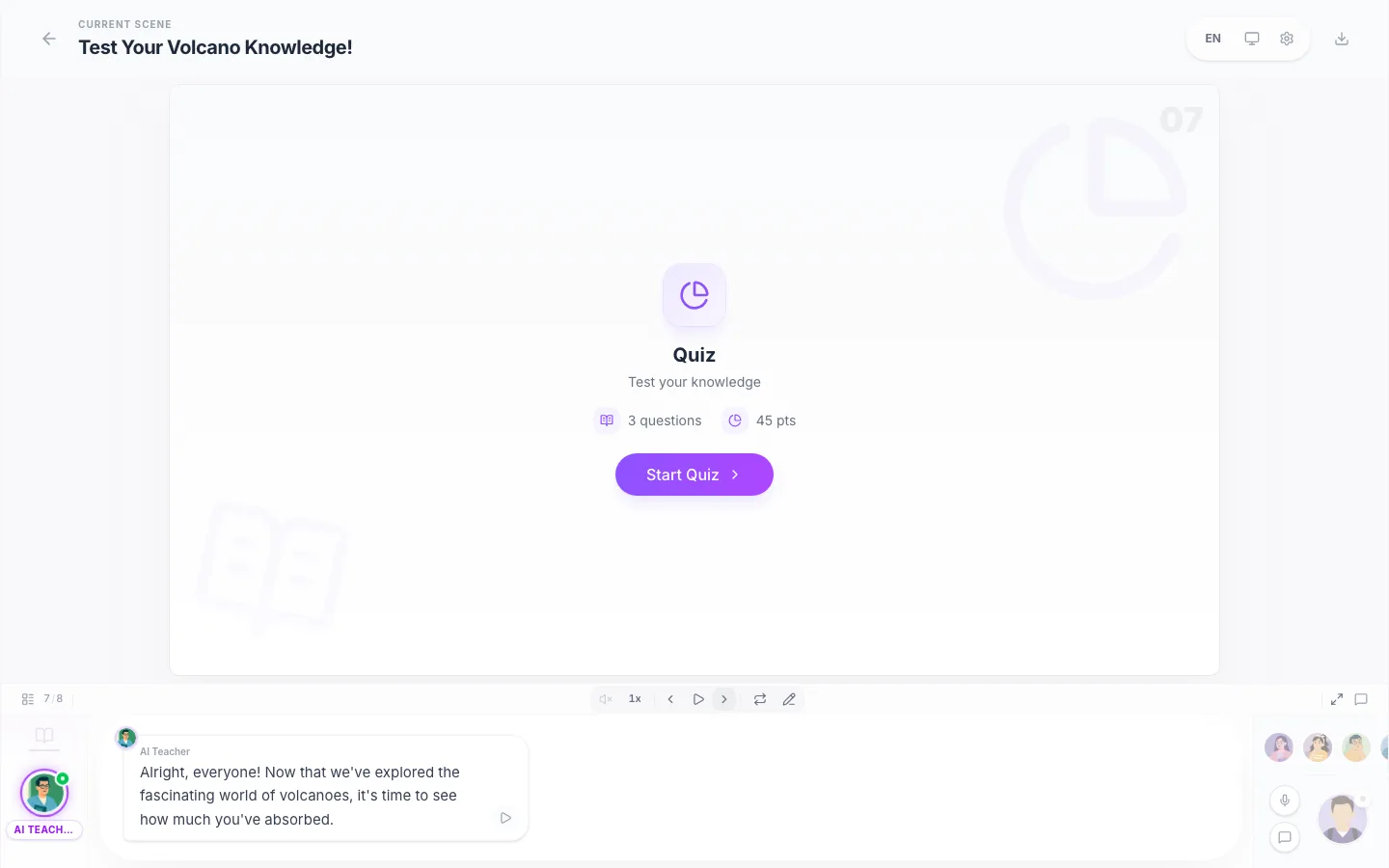
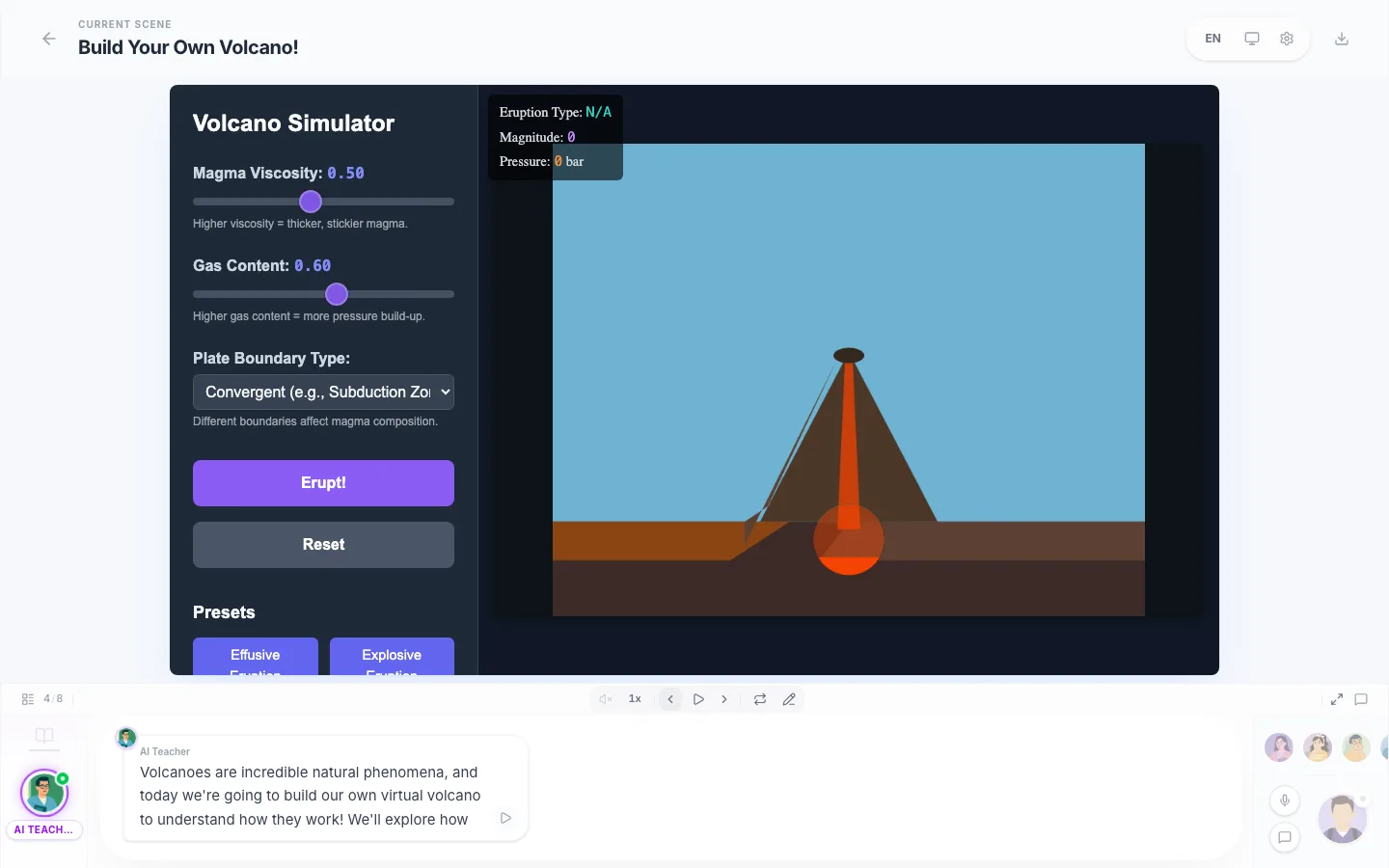
01
Slides with a voice
Every scene comes with natural narration, so the lesson presents itself - to a class, a training session, or just you on the couch.
Describe a topic or drop in a PDF. LessonLab builds a complete interactive lesson - narrated slides, self-grading quizzes, and hands-on simulations - in about four minutes.
Which step turns vapor back into water?
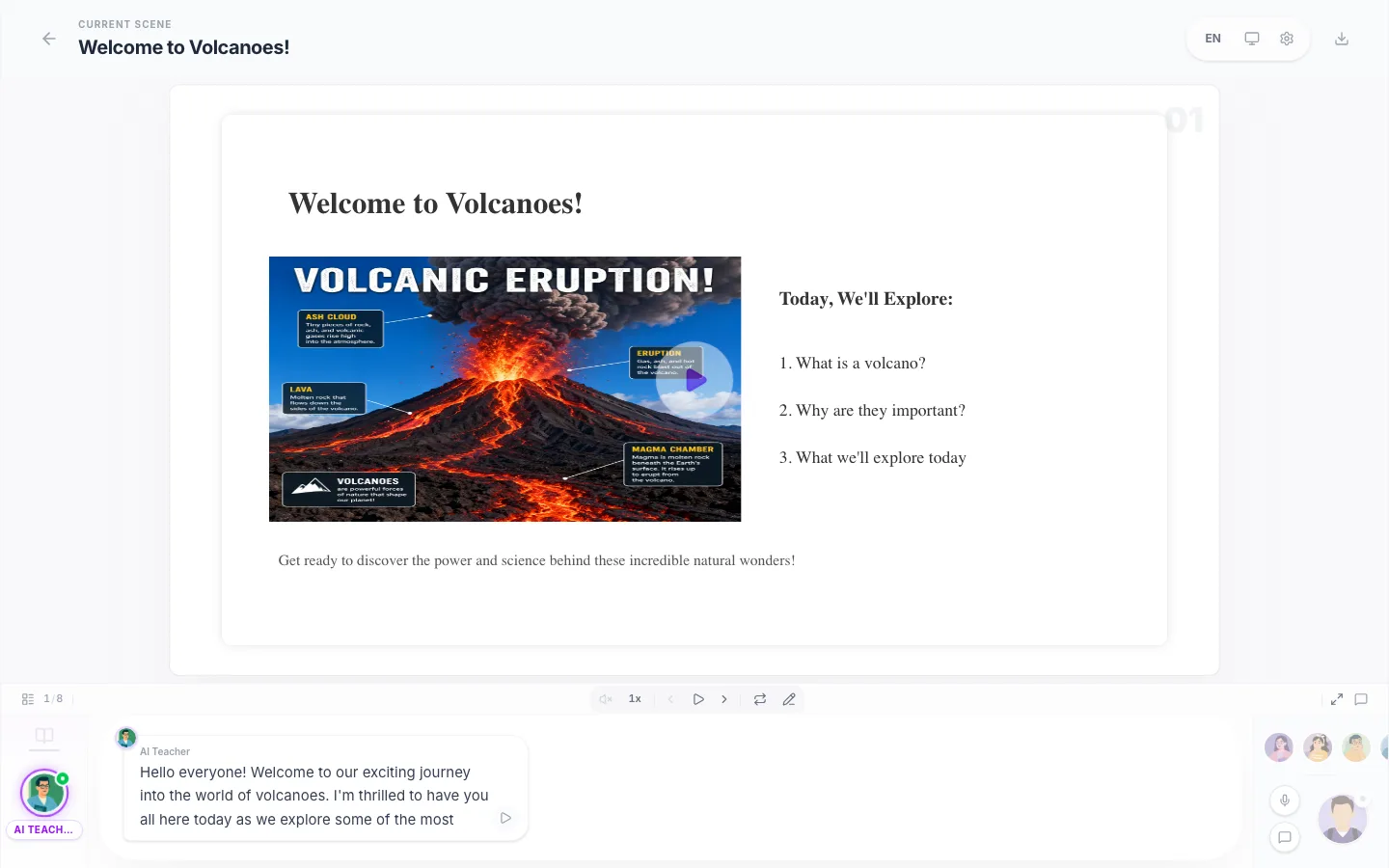
Everything below came from a single 4-minute generation.
Self-grading quizzes with explanations, from a PDF or a topic.
Turn notes or a chapter into a deck you can drill.
Condense any material into a structured study guide.
A ready-to-teach lesson plan from one topic line.
Build a multi-lesson course around your material.
Drop a PDF, get a graded quiz from its actual content.
Every scene comes with natural narration, so the lesson presents itself - to a class, a training session, or just you on the couch.
Comprehension checks are generated from your material and graded instantly, with explanations for every wrong answer.
Charts, animations, and interactive demos are built into the lesson where they help - no design work on your side.
Download an editable PowerPoint or a self-contained offline package. Your lesson works in places with no internet at all.
Feed it lecture notes, a textbook chapter, a compliance doc, or just a topic sentence. The lesson stays faithful to your source.
No slideware, no course-authoring tool, no editing timeline. Describe, generate, teach.



Drop in lecture notes, a report, a textbook chapter - or just type what you want to teach and who it is for. One line is enough to start.
Waiting to start...
The outline appears in seconds, then each scene fills in: narrated slides, a quiz, and interactive moments where the topic calls for them.
Run the lesson full-screen with narration, send it as a link, or export an editable PowerPoint. Regenerate any scene you want to improve.
Tomorrow's lesson from tonight's chapter: slides, narration, and a graded comprehension check before your coffee is done.
Turn any curriculum unit into an interactive class your kid can attend - narrated, visual, and checked with a quiz.
Package what you teach one-on-one into lessons students revisit between sessions. Your material, your voice, less prep.
Onboarding docs and compliance PDFs become sessions people actually finish - with quiz scores to prove it.
Feed it the chapter you do not understand and attend a lesson about it - then drill the quiz until it sticks.
Time to a full lesson
~4 min
From submitting your PDF or topic to a narrated, playable lesson.
Scenes per lesson
6-12
Slides, quiz checkpoints, and interactive moments - sequenced automatically.
Free full lessons on signup
2
Your first two lessons include narration and visuals - the complete experience, no card required.
LessonLab is an AI lesson generator. You give it a PDF, notes, or a topic; it builds a complete interactive lesson - narrated slides, self-grading quizzes, and hands-on simulations - that you can present, share as a link, or export to PowerPoint.
Summarizers compress your document into text you still have to teach from. LessonLab produces the class itself: it sequences the material into scenes, writes and voices the narration, builds the quiz, and adds interactive visuals. The output is something an audience attends, not something you read.
A typical lesson has 6-12 scenes: narrated slides that build up the topic, one or more quiz checkpoints graded instantly with explanations, and - where the topic benefits - an interactive simulation, chart, or exercise. You can regenerate or edit any scene.
Signing up gives you 2 complete lessons with narration and visuals - the full experience, no credit card. After that, the free plan includes 3 lessons per month in fast mode (no narration or images). Paid plans start at $4.99/month billed annually.
Paid plans export an editable PowerPoint file or a self-contained offline package that plays without internet - useful for classrooms with restricted networks. Free lessons play online in LessonLab.
Fast, Smart, and Ultra. Free-plan monthly lessons use Fast. Paid plans build every lesson with Smart, and Pro unlocks Ultra - our strongest tier - plus longer lessons of up to 28 scenes. Interactive simulations always use a top-tier engine on every plan.
Yes - cancel in one click and keep access until the end of your billing period. Unused monthly credits roll over up to one extra month's worth, so a slow month is not wasted money.